
How to Configure Content Monitoring Preferences for Safe Surfer
How to Configure Content Monitoring Preferences for Safe Surfer
Learn how to customize your Safe Surfer monitoring settings to filter specific content categories on a device. This guide helps you manage digital protection by enabling strict monitoring for harmful or offensive material.
1\. Navigate to https://my.safesurfer.io/
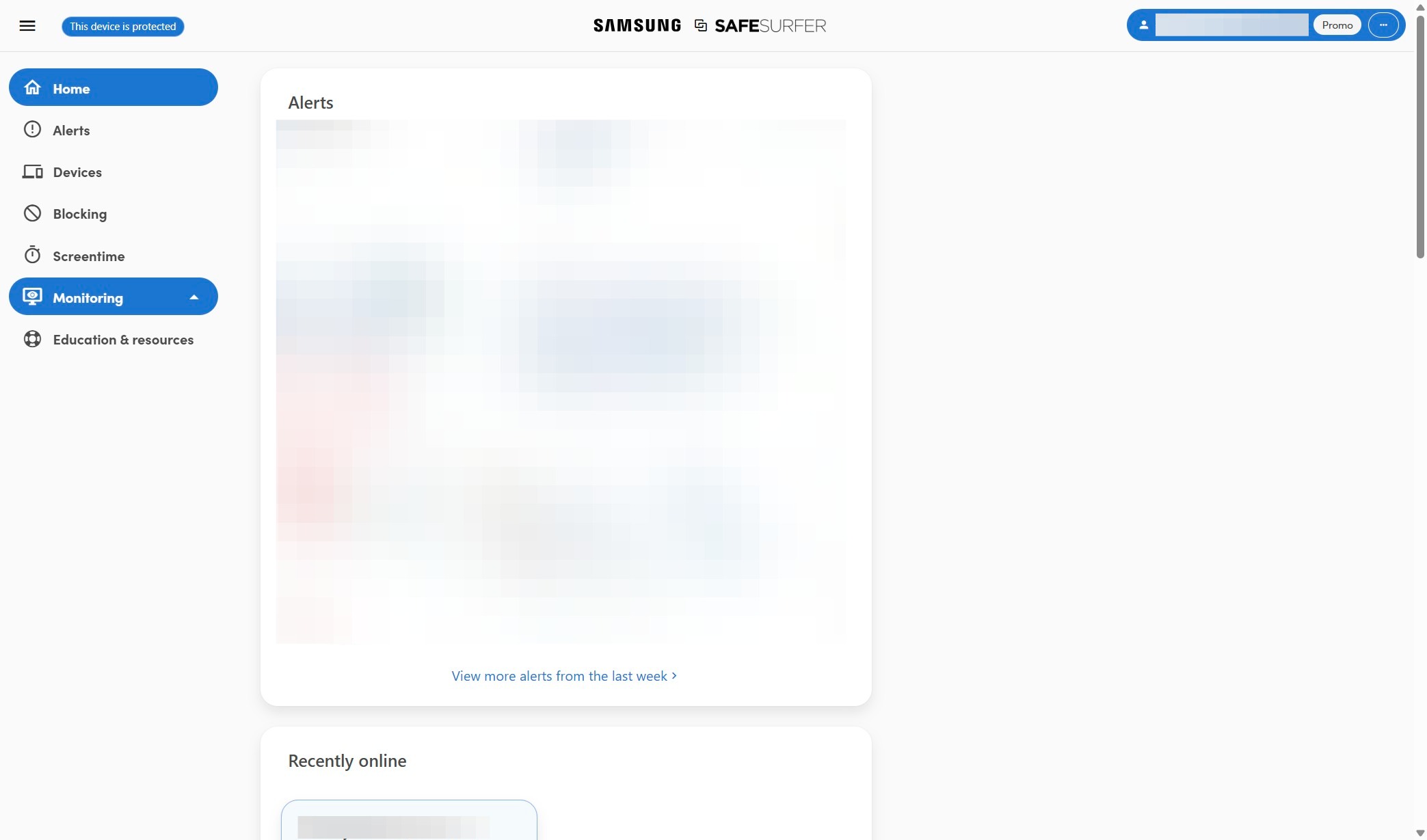
2\. Click "Monitoring"
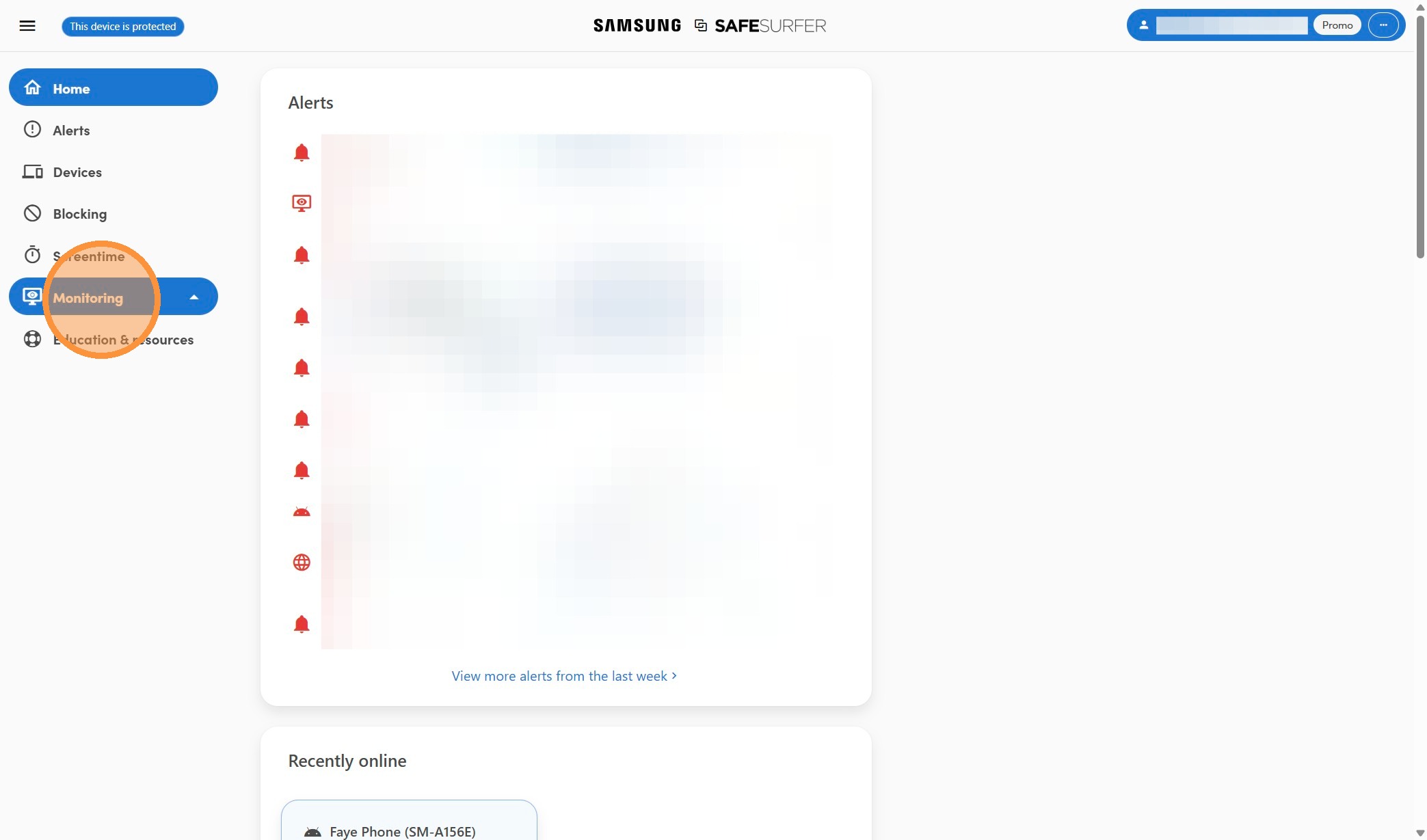
3\. Click "Texts & social media"
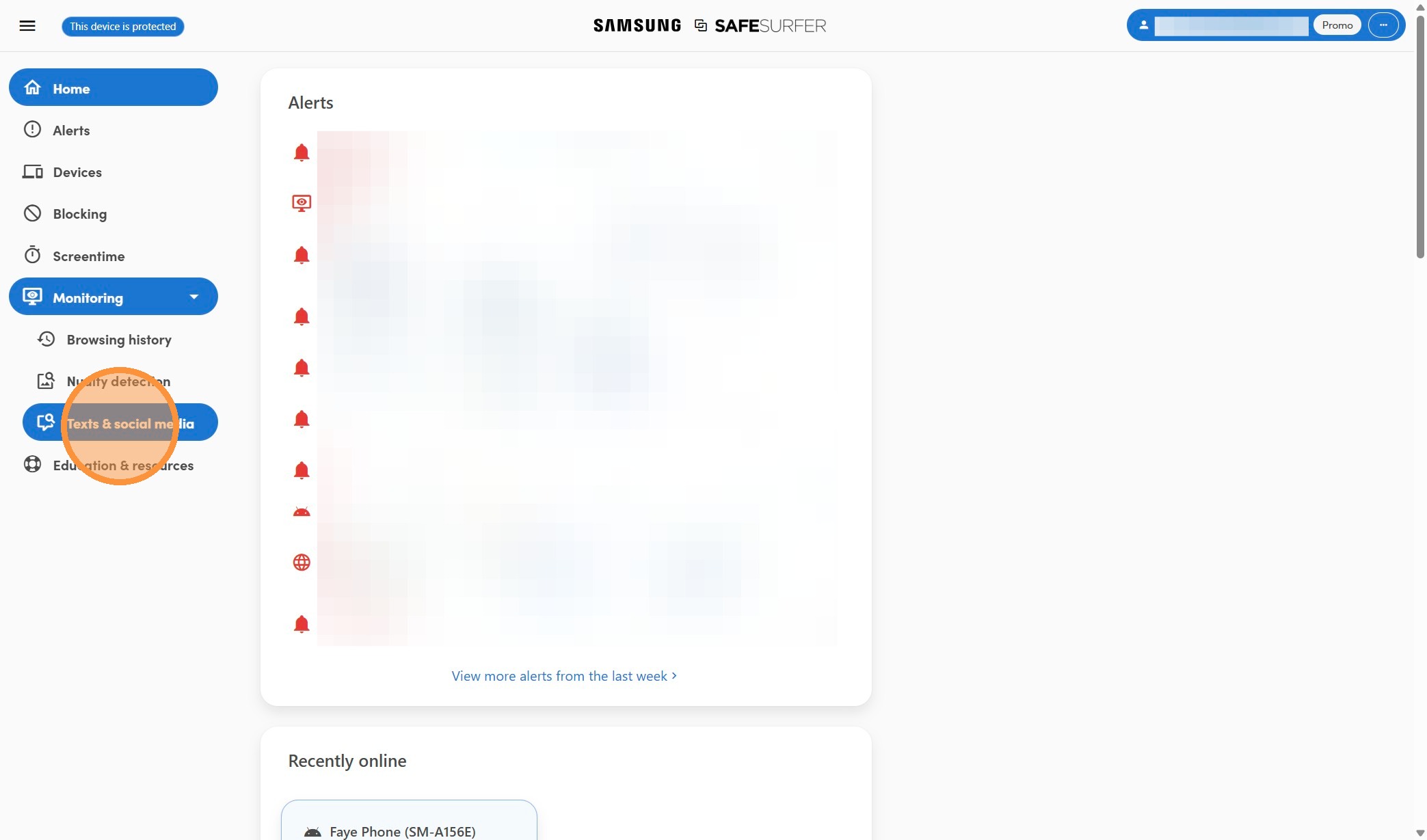
4\. Click here.
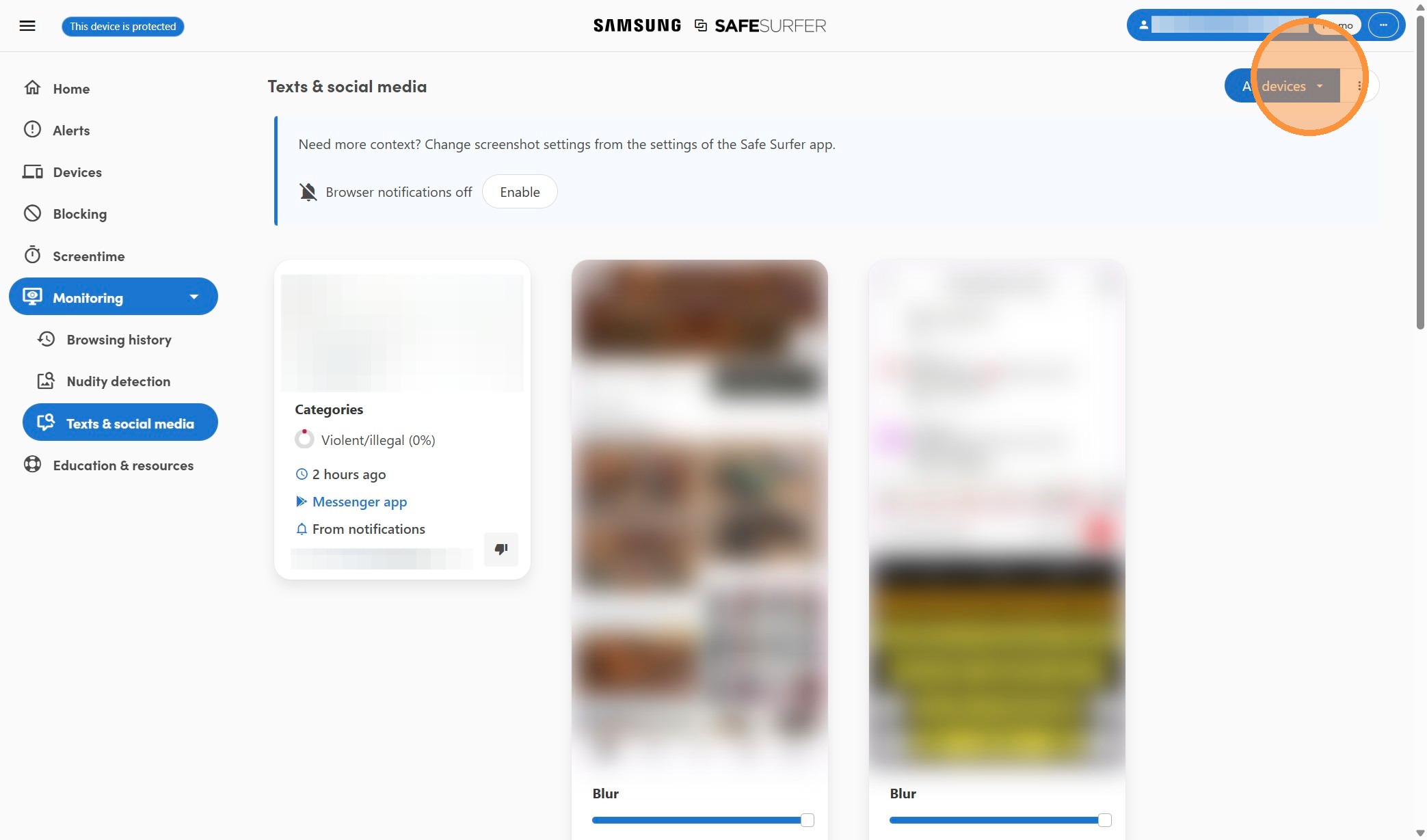
5\. Select the device
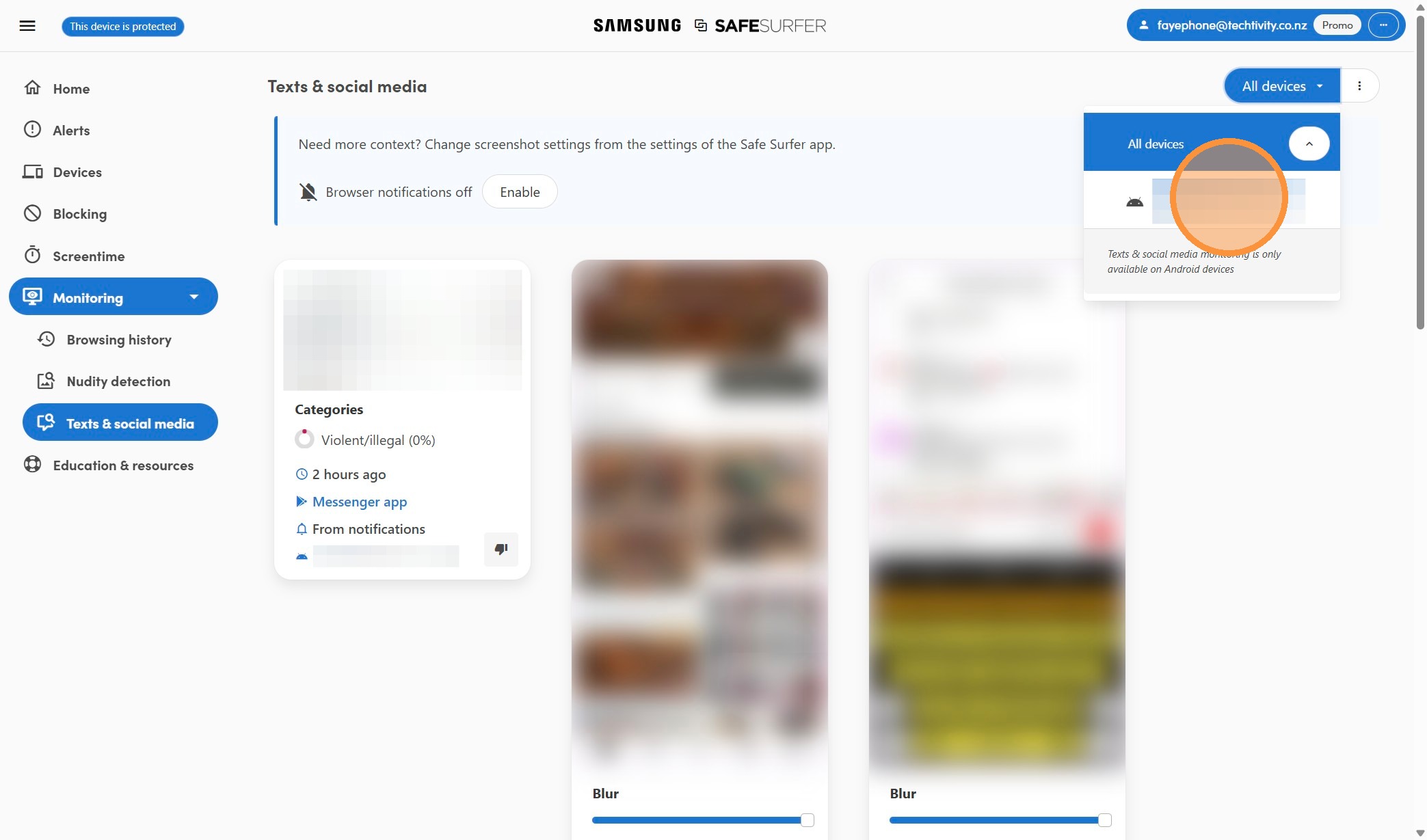
6\. Click here.
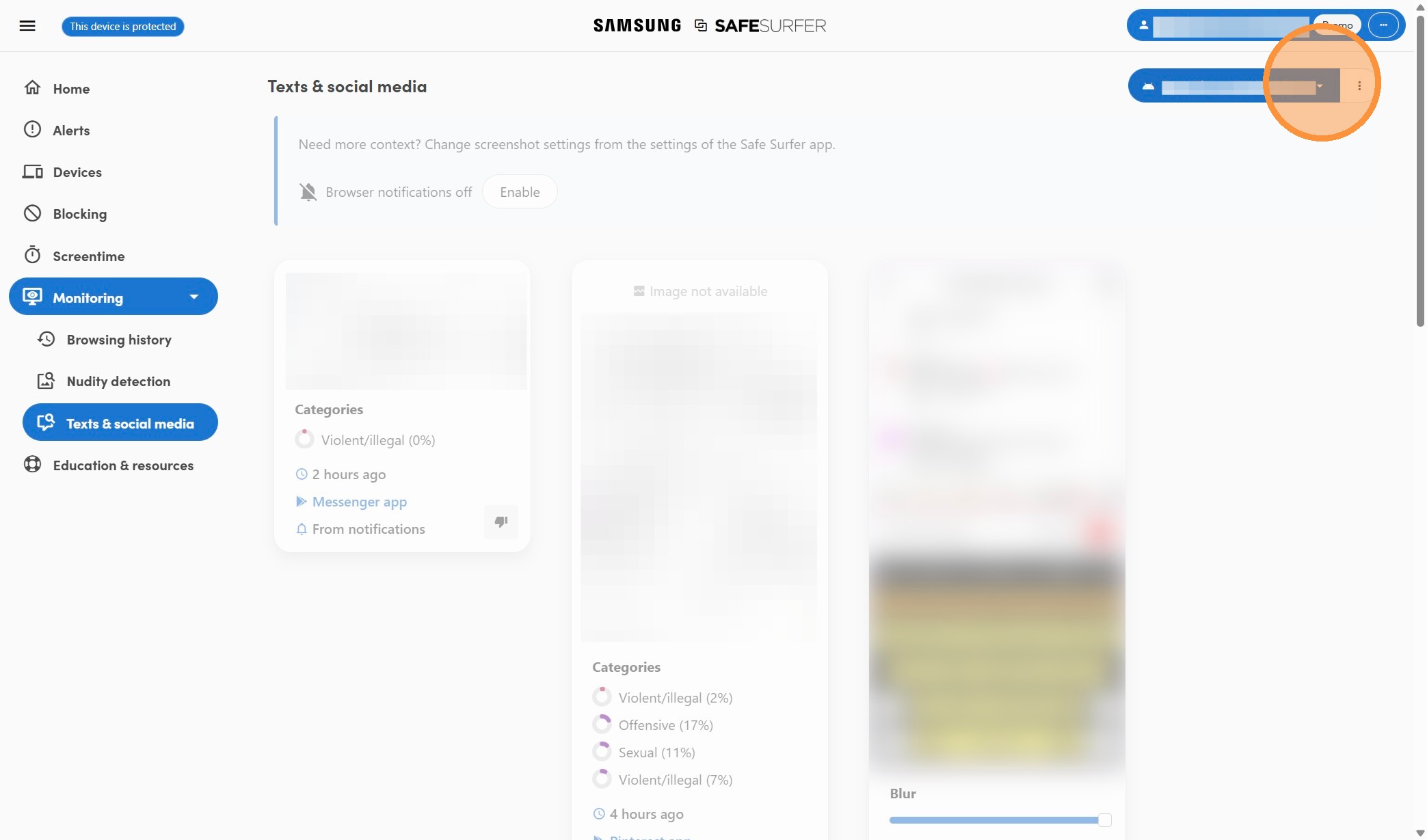
7\. Click this button.
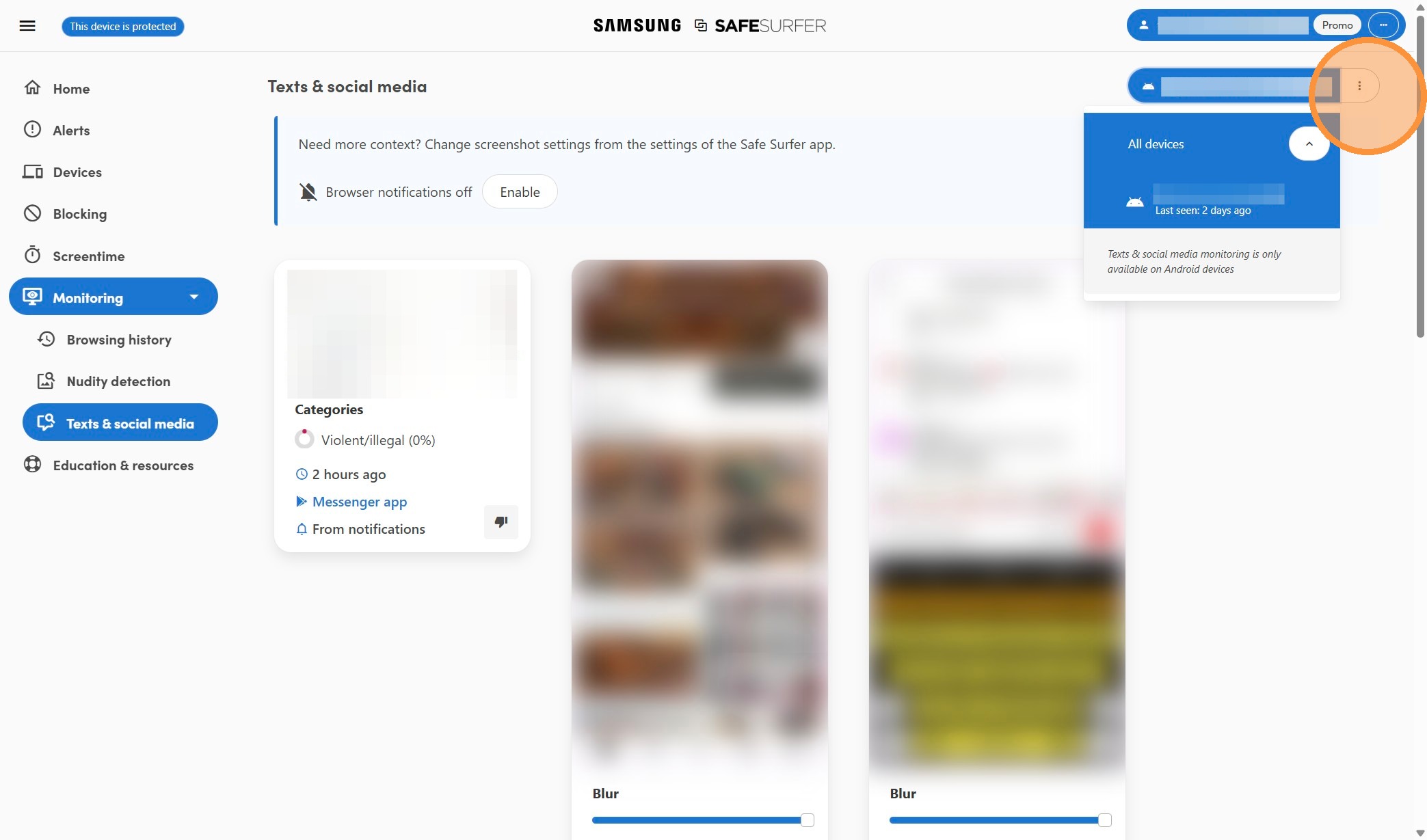
8\. Click "Preferences"
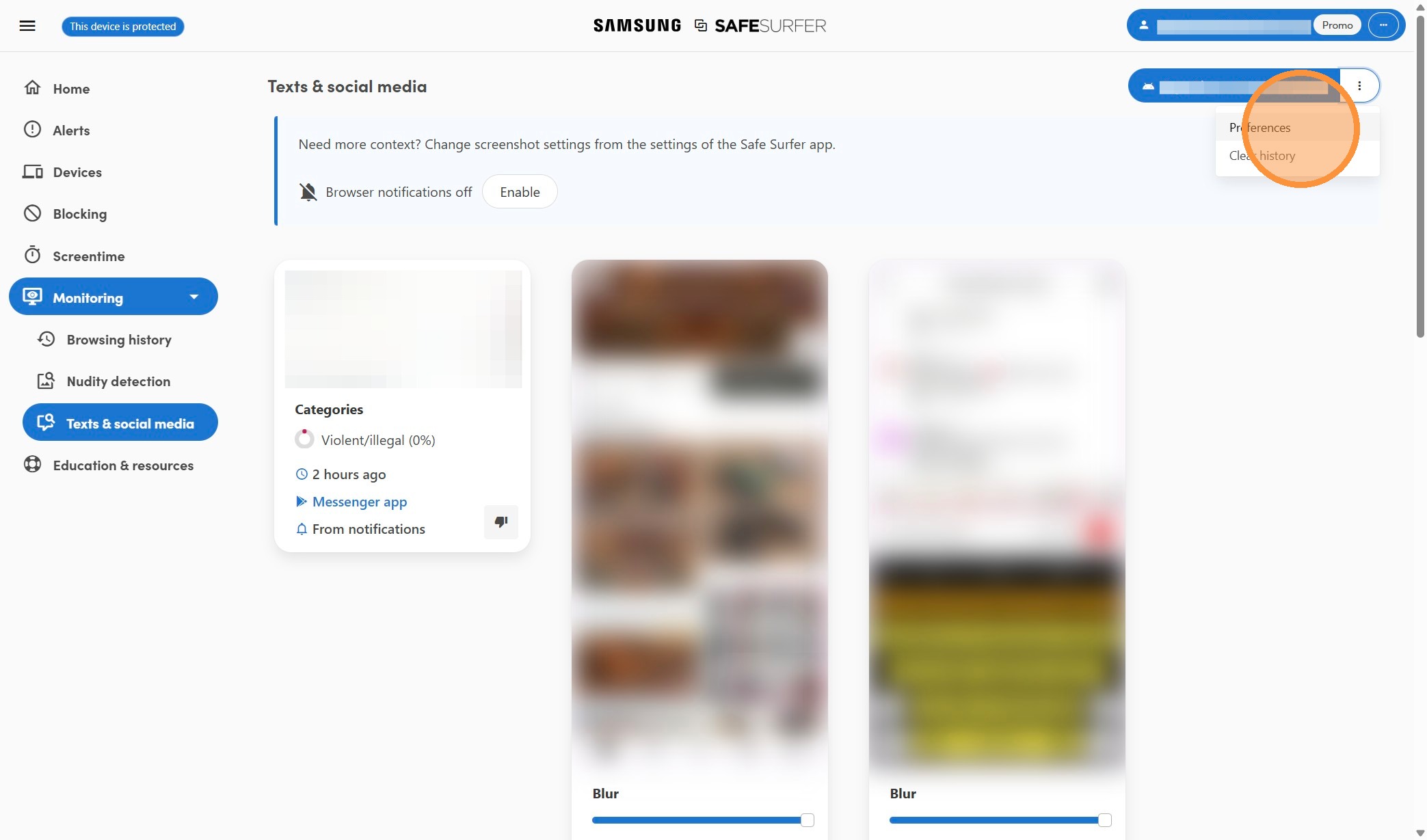
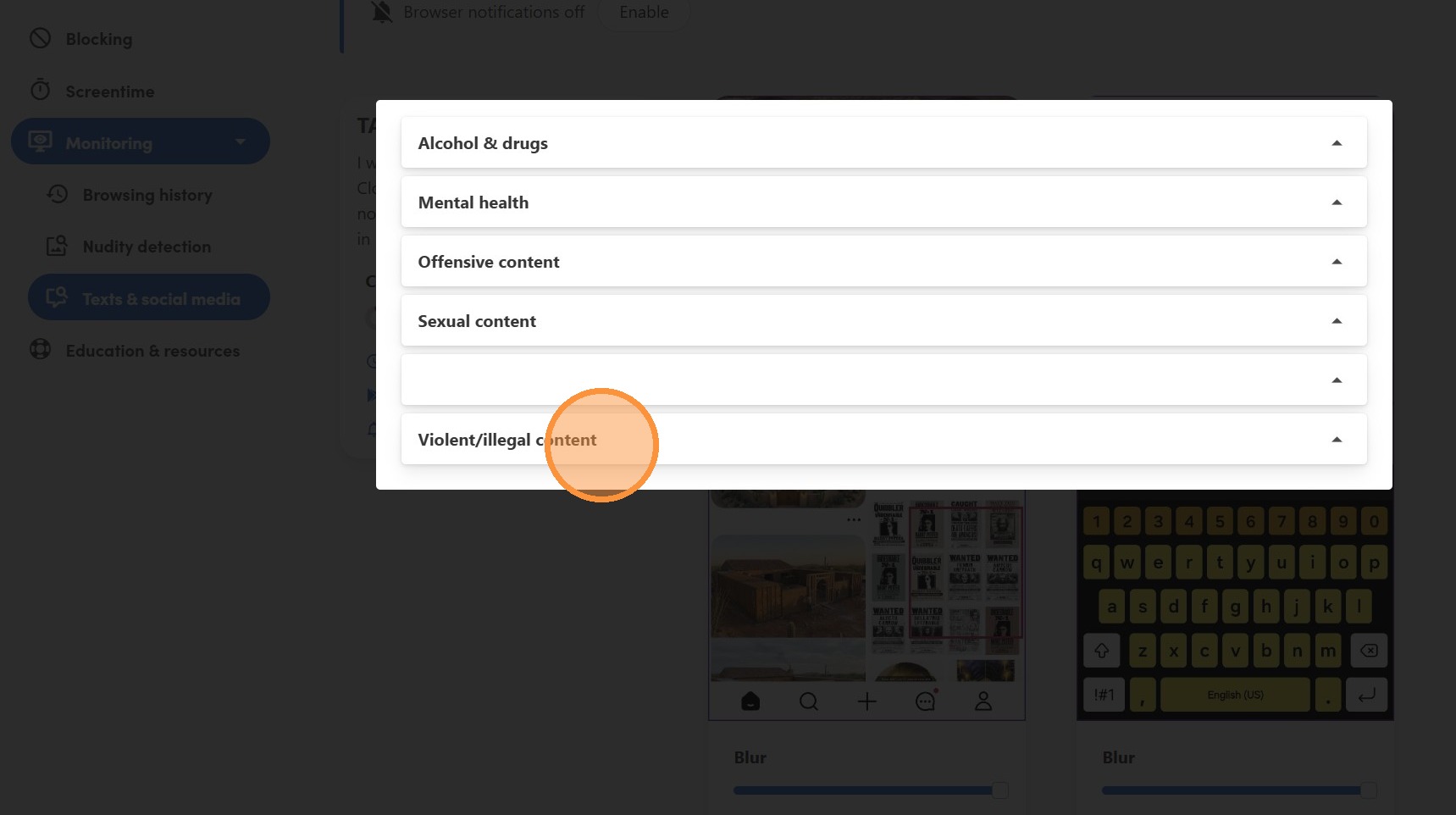
9\. Click "Violent/illegal content"
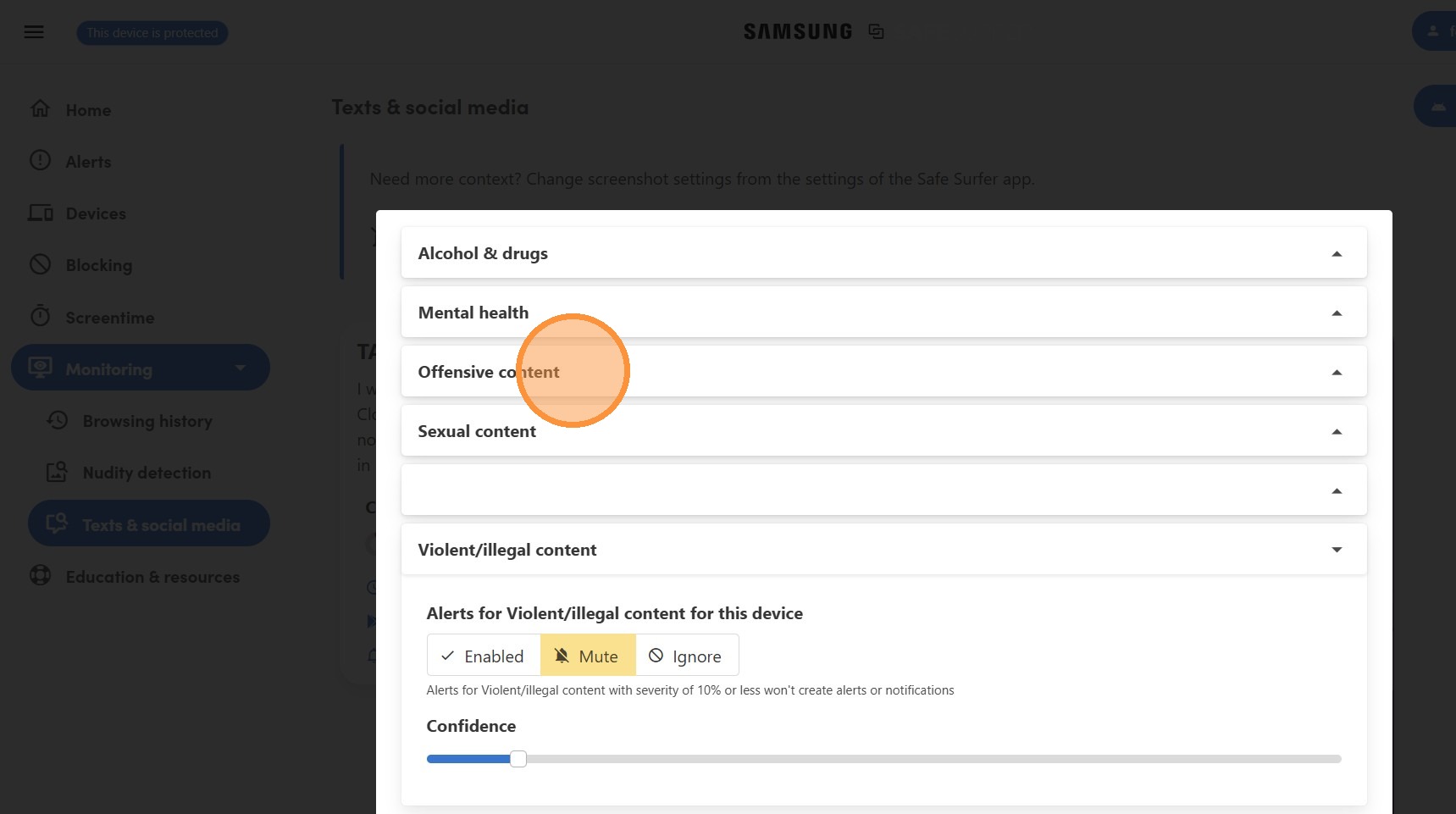
10\. Click "Offensive content"
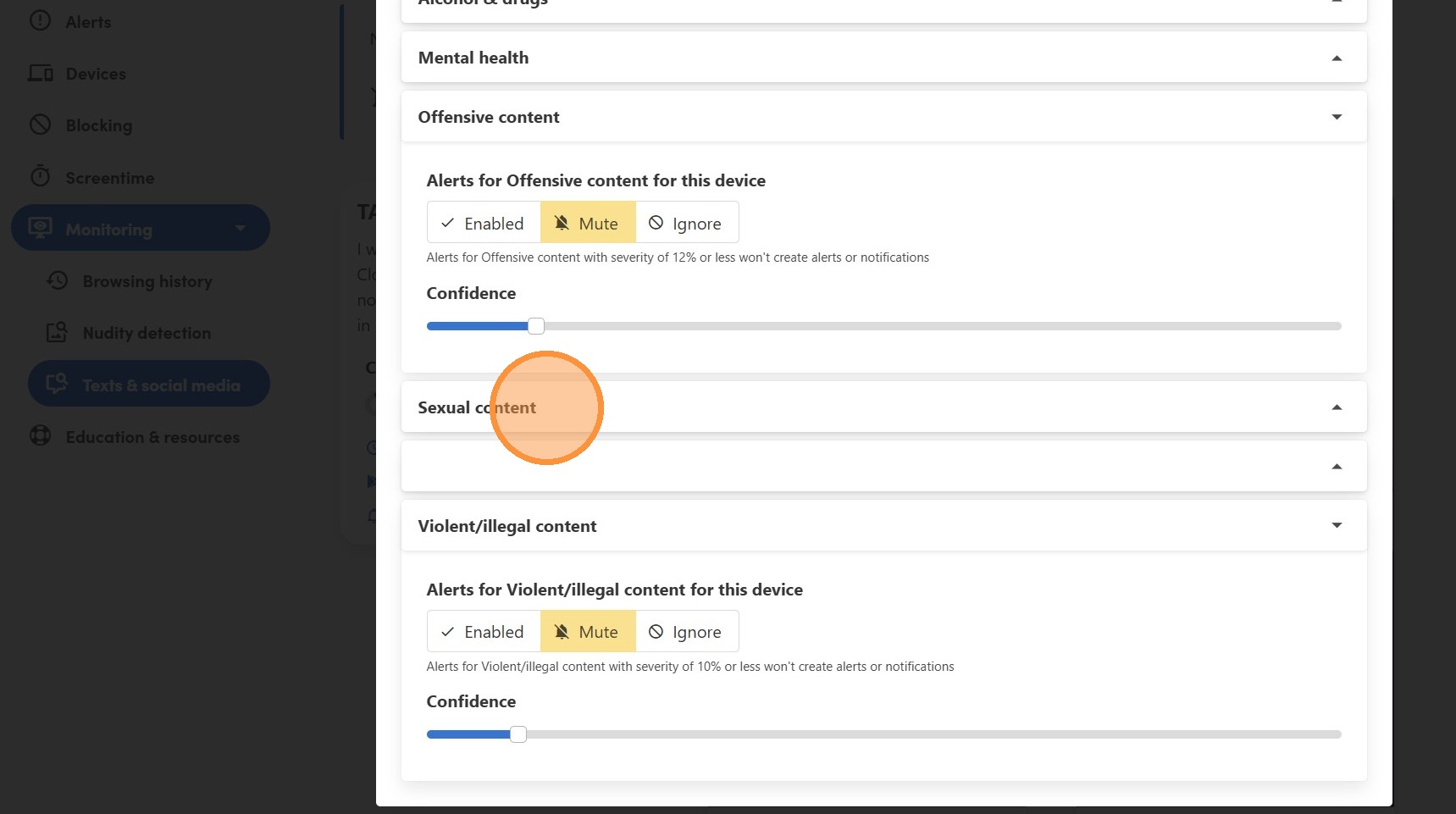
11\. Click "Sexual content"
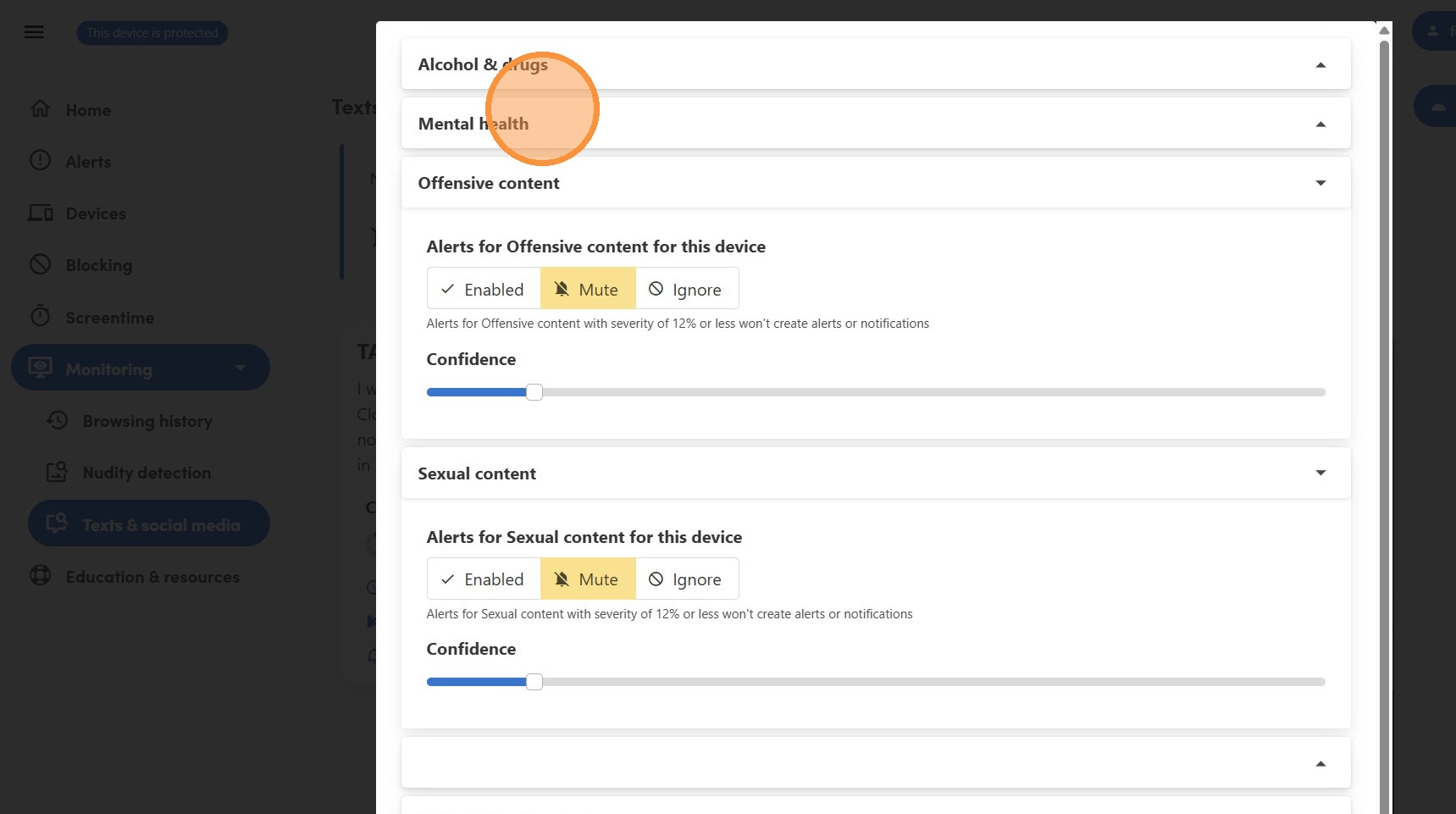
12\. Click "Mental health"
13\. Click "Alcohol & drugs"
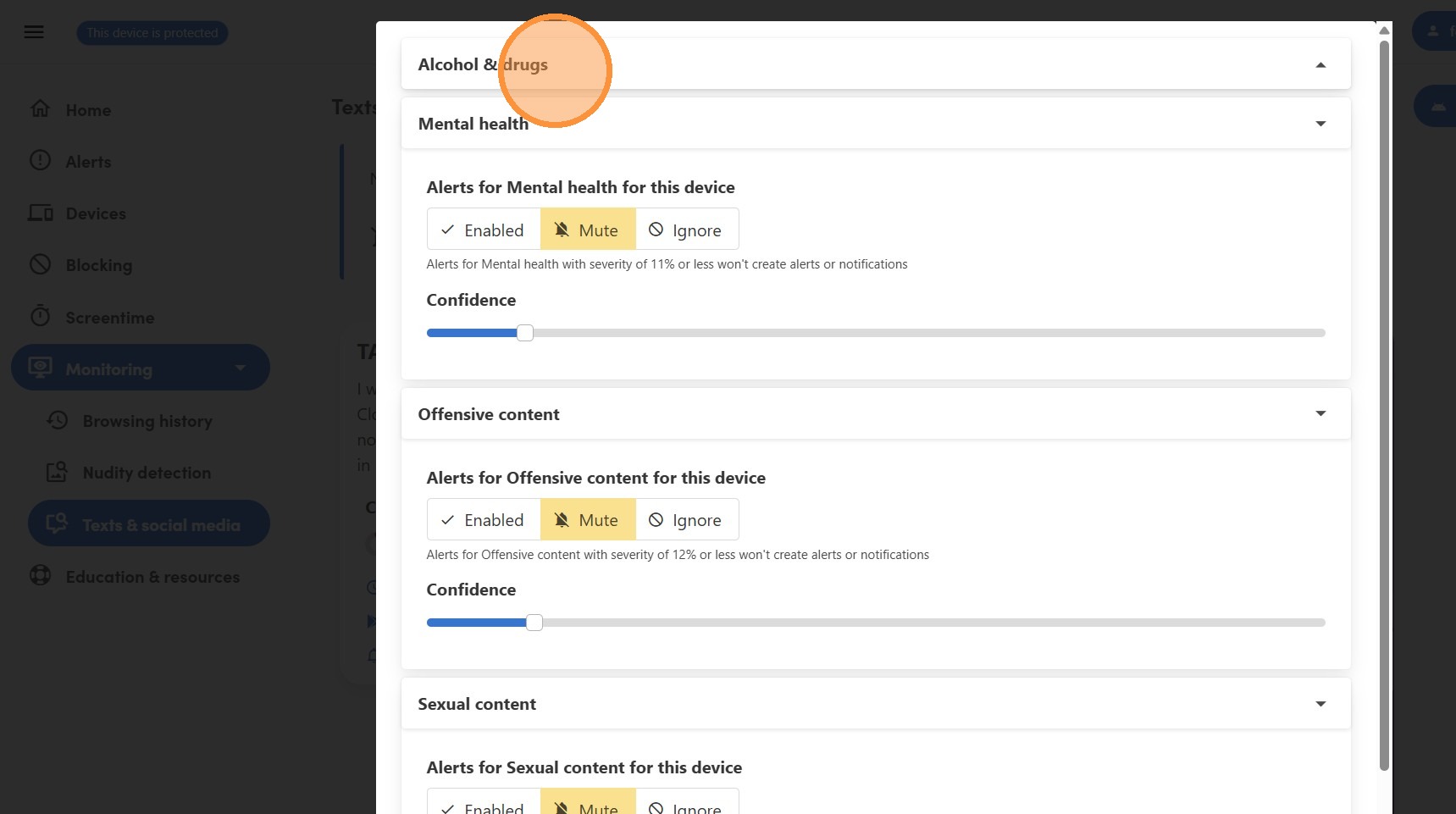
14\. Click here.
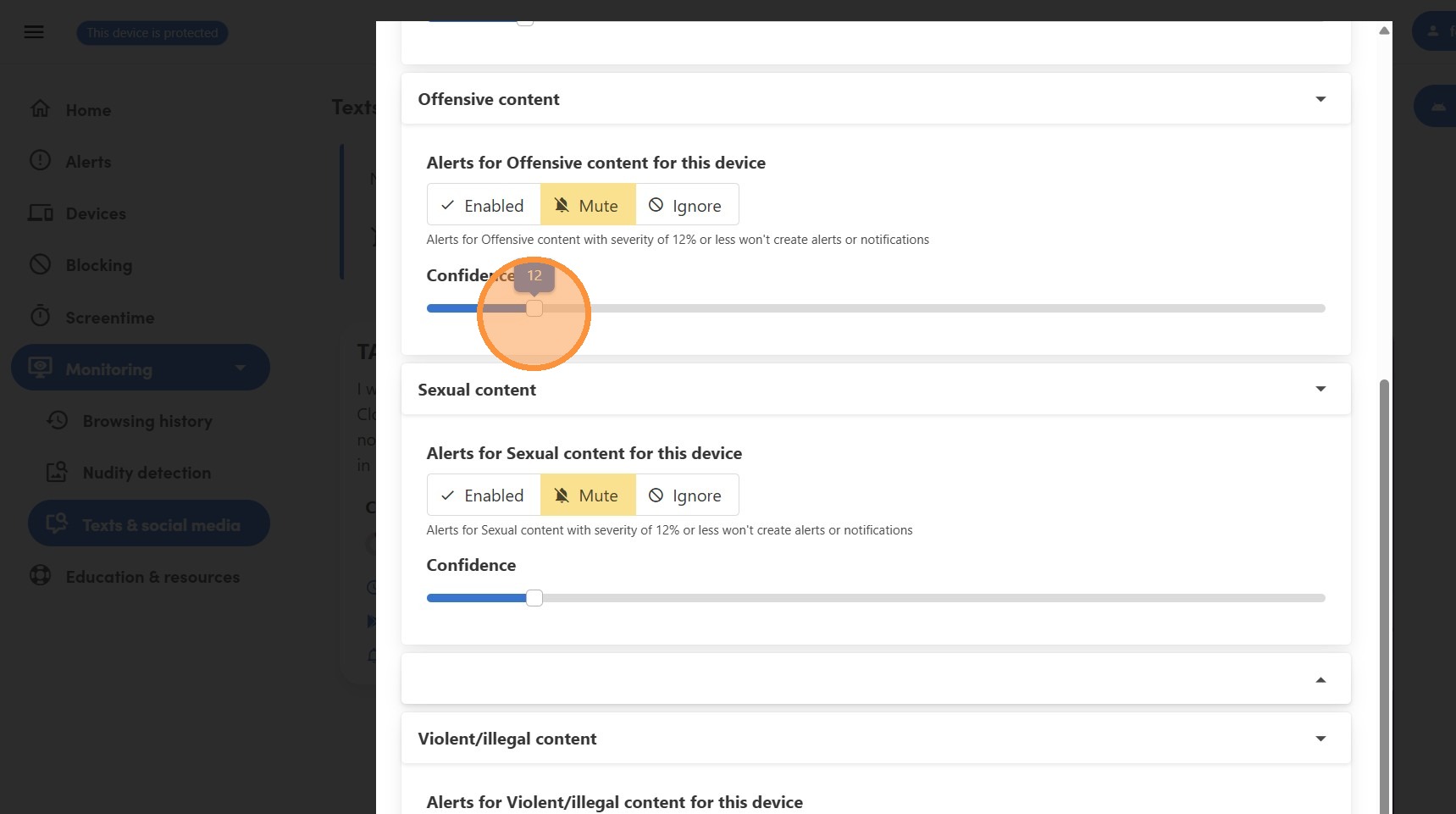
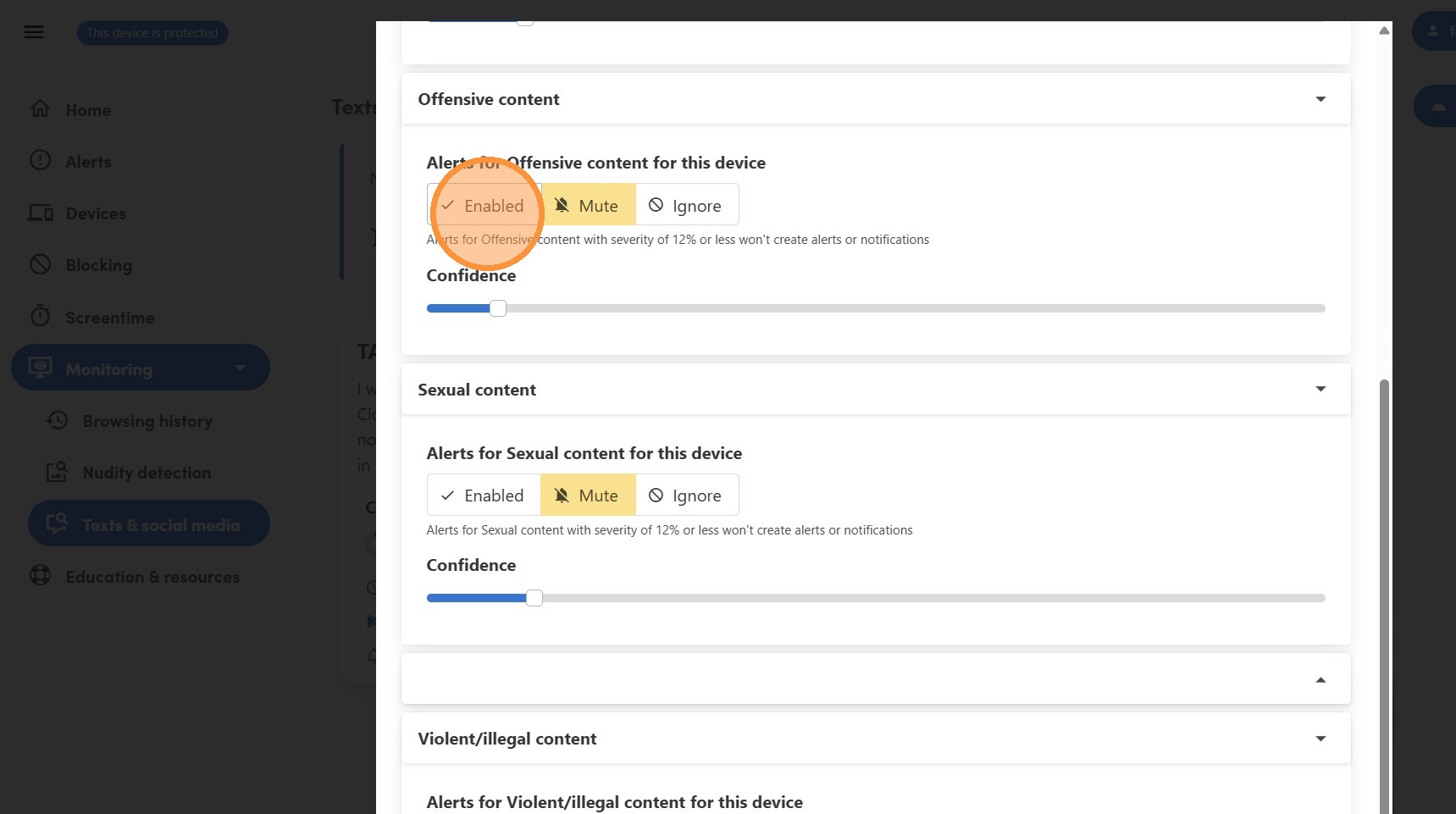
15\. Click "Enabled"
Updated on: 01/04/2026
Thank you!